Request one look
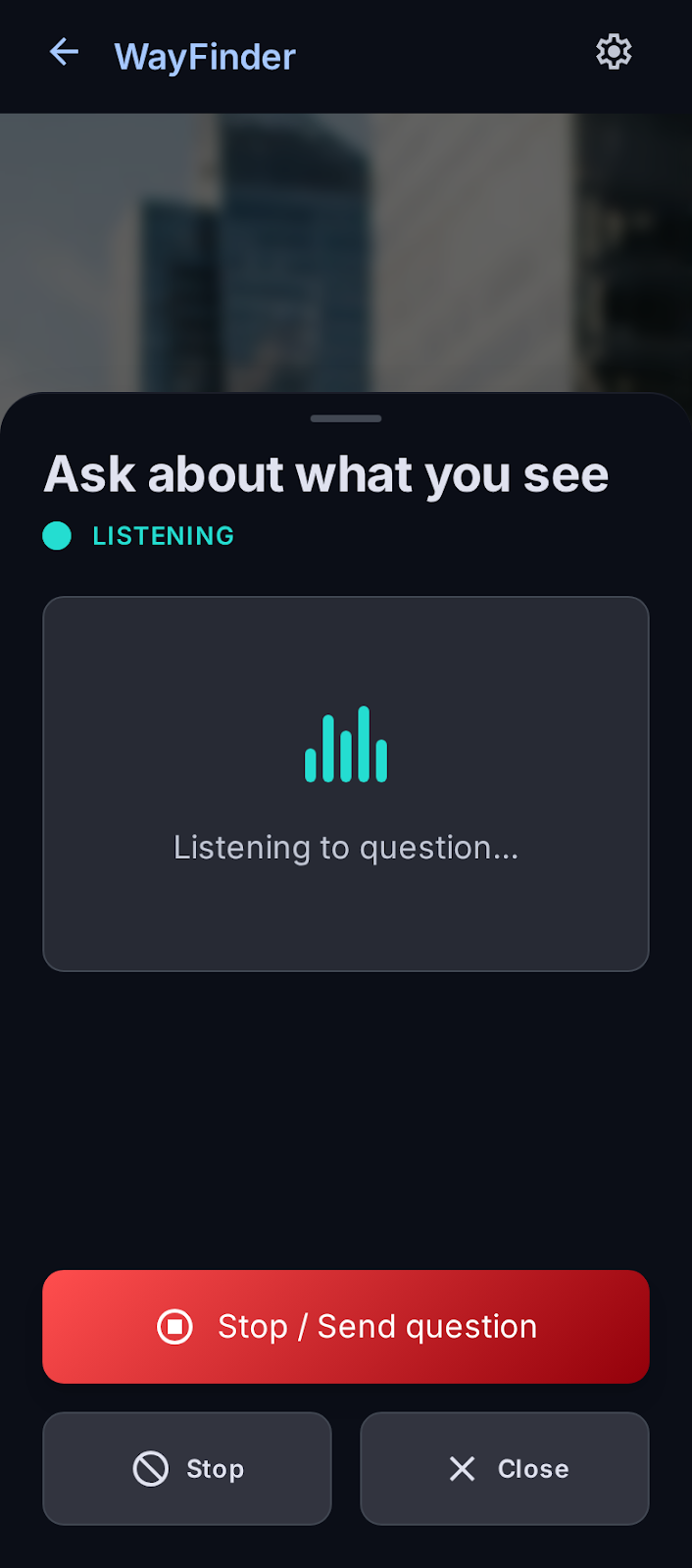
Use the large analysis control or ask a question by voice. WayFinder captures one image for that request.
 WayFinder
Now available on the App Store
WayFinder turns one requested camera photo into a concise spoken scene description. It is designed for blind and low-vision people, with large controls, honest limits, and a voice-first experience.
Google Play is not available yet.
Choose your platform
Download the official iPhone app now. The Android version is not yet listed on Google Play.
Also available in your browser
Open the web demo to explore the voice-first flow. Ask what is around you or request one camera analysis, then hear a concise, safety-focused response.
Open the web demoOne deliberate request at a time
There is no continuous scene analysis. The app takes one photo only when a request starts, then returns a spoken response.
Use the large analysis control or ask a question by voice. WayFinder captures one image for that request.
A hosted vision model returns structured scene facts, followed by deterministic safety checks.
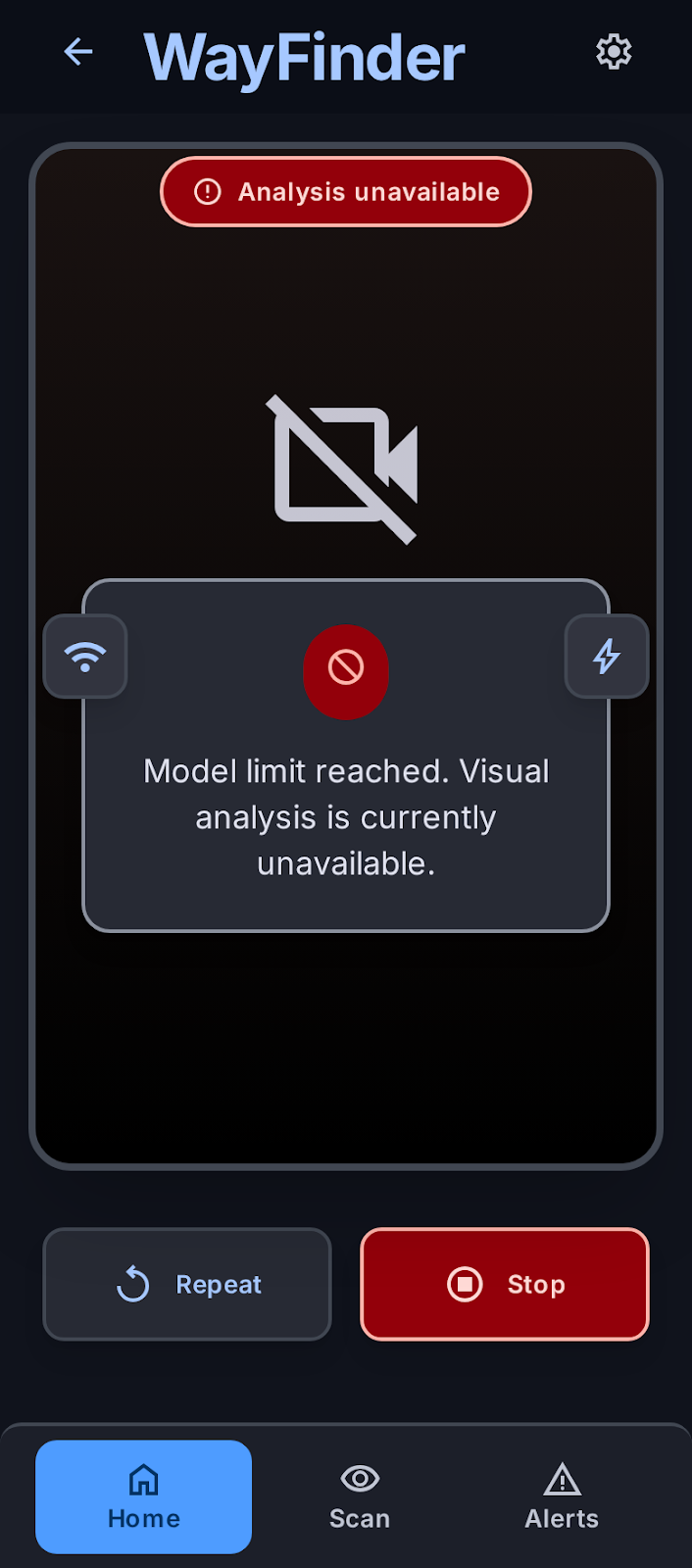
Spoken feedback prioritizes hazards and STOP. Errors, uncertainty, and stale requests never become a clear-path result.
Designed for touch and speech
High contrast, solid tonal surfaces, large targets, direct labels, and restrained motion keep the important action easy to find.
Fail-closed by design
A provider, network, authentication, parsing, quota, image-quality, freshness, or unexpected failure must never be reused or presented as a safe route.
Use WayFinder carefully
WayFinder is available to download, but it remains experimental assistive software. It can miss hazards or describe a scene incorrectly, so it must not replace a cane, guide dog, orientation and mobility training, human assistance, or emergency services.
Available now for iPhone
Download the official app from the App Store. Google Play is not available yet.